
Dext Alternatives for Owners of a Few Small Companies
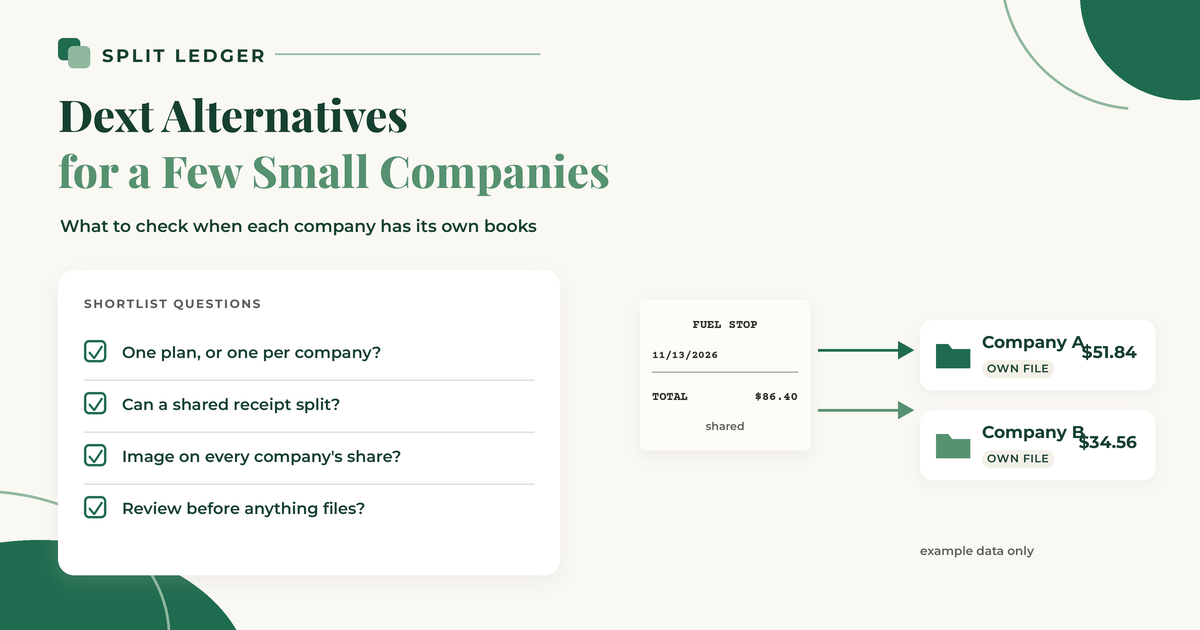
People searching for a Dext alternative are usually comparing receipt tools that push documents into QuickBooks or Xero. Most of those lists assume one business and one set of books. If you own two or three small companies, the better question is which tool fits a few separate company files, and what happens when one receipt belongs to more than one of them.
I build Split Ledger, so read this with that in mind. I have tried to be fair, and every fact about another product links to that product's own page. I checked those pages on November 6, 2026. Products change, so check them again before you decide.
What Dext is good at
Dext is a receipt and bill capture tool with a QuickBooks integration. Its QuickBooks page describes capture by app photo, email, or WhatsApp, coding against your QuickBooks chart of accounts, supplier rules, duplicate flags before you publish, and publishing to QuickBooks with the document stored in Dext.
Its US pricing page (checked November 6, 2026) shows the Annual billing view at $25.21 per month for 250 documents per month, with $302.50 billed annually. That $25.21 figure is the annual plan's monthly equivalent ($302.50 / 12), not the month-to-month rate; use the Monthly toggle on the same page for the true monthly price. The page also offers a 14-day free trial that does not ask for card details. Its help page on Dext plans for businesses says the base plan starts at 5 users and 250 documents, and each extra user adds 50 documents.
For a few companies: Dext's help page on multi-account management says each business is its own Dext account with its own subscription, documents, and settings, and you switch between them with one login. Its multi-entity page says each entity connects to its own accounting software. Dext has a split feature that divides one item into 2 items, each with its own category and amount, inside the same account. I did not find a Dext page that describes splitting one receipt between two business accounts.
Good fit if: you want supplier rules, a bookkeeper who already knows Dext, and receipts that mostly belong to one company each.
Why a few-company owner looks elsewhere
Owners of a few small companies often leave Dext for reasons that have nothing to do with OCR quality:
- Cost per business. Each Dext business is its own subscription, per the multi-account help page above. Two or three companies means two or three plans.
- Switching. You still move between business accounts to work in each one.
- Shared receipts. A fuel receipt for a truck that works for two LLCs, or one software bill shared by three, still needs a share in each company's books. Dext's split feature works inside one account.
If those are your pain points, the alternatives below are worth a look. The broader comparison of receipt scanners for QuickBooks Online with more than one company covers the same tools in more detail.
QuickBooks Online receipt capture
QuickBooks Online has receipt capture built in. Per Intuit's help page on uploading receipts, you can snap a receipt in the QuickBooks mobile app, upload it from your computer or Google Drive, or email it to a custom forwarding address. QuickBooks extracts the details, and you review the receipt, then create an expense or match it to an existing transaction. The same page notes the feature is limited on QuickBooks Online Free and Lite.
For a few companies: receipt capture works inside the company file you are in. To work on another company, you switch companies, per Intuit's company file page. A shared receipt means recording a share in each file yourself. The post on QuickBooks receipt capture with several companies covers that limit, and the post on splitting one receipt between two LLCs shows the manual entries.
Good fit if: almost every receipt belongs to one company, volume is light, and you do not want another subscription.
Hubdoc
Hubdoc captures bills and receipts and syncs them into accounting software. Its QuickBooks page describes publishing receipts and bills to QuickBooks Online with the document attached, supplier rules, importing your chart of accounts and vendors, and matching to the bank feed. Its home page describes capture by mobile photo, email, scan, or upload, and sync to Xero and QuickBooks Online. Hubdoc is part of the Xero family, and many Xero plans include it. For current pricing, check Hubdoc's pricing page. Partner and accountant offers (see Hubdoc's partner promotion page) are separate from general standalone pricing, so do not treat a partner rate as the public list price.
For a few companies: Hubdoc is built around one organisation's documents feeding one set of books. I did not find a Hubdoc page that describes splitting one receipt across separate QuickBooks company files.
Good fit if: you are already on Xero (or your bookkeeper is), and each receipt clearly belongs to one company.
Receiptor AI
Receiptor starts with email. Its QuickBooks page describes collecting receipts from Gmail, Outlook, or IMAP inboxes, plus WhatsApp, iMessage, and uploads, then checking QuickBooks for an existing bill or expense before it creates anything, and attaching the original document.
For a few companies: its multiple companies page says each business entity can use its own QuickBooks company, chart of accounts, and settings. Receiptor compares the billed-to name on a document with the entities you set up, and if that is missing or conflicting, the document waits for your review. The page describes routing each document to one company. I did not find a Receiptor page that describes splitting one receipt between companies. Its pricing page lists Ongoing Automation from $29/month for one accounting connection; Growth is $79/month with two connections and Google Drive storage export, then $12 per extra connection.
Good fit if: most of your receipts arrive by email, and each one clearly belongs to one company.
scan-ai
scan-ai is the closest to what Split Ledger does on the split question, so it deserves a careful look. Its entities page describes one account with a separate entity for each thing you run (business, rental, side gig, personal, or other), with the entity suggested from vendor history and confirmed by you. It also says you can split one receipt across entities by percentage, with the shares adding up to 100%, and filter reports and tax exports by entity. Its pricing page lists Starter at $3/month for 30 scans and Pro at $10/month for unlimited receipts, with QuickBooks and Xero sync on every plan, plus an Accountant Pro seat plan.
For a few companies: the pages I read do not say whether each entity can sync to its own separate QuickBooks company file. If you keep each company in its own file, ask scan-ai how that works before you commit.
Good fit if: you have a mix of businesses, rentals, and personal spending, want percentage splits and tax-line reports in one account, or use Xero.
Split Ledger
Split Ledger is newer and narrower than Dext. It does one job: get receipts for several companies into each company's books.
- Capture: phone photo or PDF upload. The AI reads the vendor, date, and total, and sales tax if you turn that on. You check what it read before anything is filed.
- Connections: you connect each of your QuickBooks Online companies, one connection per company.
- Splitting: send a receipt to one company, or split it across several in any amounts you choose. An even split is just the starting point. If you pick your parent or overhead company, the whole receipt goes there.
- Filing: each company's share becomes a purchase in that company's QuickBooks Online, with the receipt image attached. A copy goes to your Google Drive under /Receipts/{Company}/{Year}/, one file per company share. There is also a CSV export.
Where it is limited: it works with QuickBooks Online and Google Drive, not Xero or QuickBooks Desktop. It focuses on capture, split, and file, so it skips features some of the tools above emphasize (supplier rules, tax-line reports, bank statement extraction, inbox scanning). It is not listed in the QuickBooks App Store.
Good fit if: you own two or more companies with separate QuickBooks Online files, and shared receipts are a regular part of your month.
Side by side
| Multiple companies | One receipt, more than one company | Source | |
|---|---|---|---|
| Dext | Separate Dext account and subscription per business | Split feature works inside one account | Dext multi-account, split |
| QuickBooks receipt capture | Works inside each company file; switch files | Record a share in each file yourself | Intuit |
| Hubdoc | One organisation feeding one set of books | No split-across-companies page found | Hubdoc QuickBooks |
| Receiptor AI | Each entity can use its own QuickBooks company | Routes each document to one company; review if unclear | Receiptor |
| scan-ai | Entities inside one account; per-company QuickBooks files not described | Split by percentage across entities | scan-ai |
| Split Ledger | One connection per QuickBooks company | Split in any amounts; each share filed to its company | This post |
How to choose
- Already happy with Dext's supplier rules, and receipts are rarely shared? Stay on Dext, or keep one Dext account per company if the bill is worth it.
- Light volume, almost no shared receipts? Try QuickBooks Online receipt capture first.
- On Xero, or your bookkeeper lives in Hubdoc? Look at Hubdoc.
- Receipts mostly arrive by email, one company each? Look at Receiptor.
- Mixed businesses, rentals, and personal spending, or Xero, and you want percentage splits in one account? Look at scan-ai.
- Shared receipts every month across separate QuickBooks Online companies? That is the case I built Split Ledger for.
Whichever you pick, the habits still matter: decide the company the day you get the receipt, and review the week's receipts once a week. The practical guide to bookkeeping for owners of multiple companies covers that routine, and the simple system for managing receipts across multiple businesses is the shorter version.
Split Ledger is in free early access right now. You can sign up here.
This is general information, not tax or accounting advice. Check with your tax professional for your situation.
Split Ledger is not affiliated with or endorsed by Intuit, Google, Dext, Hubdoc, Receiptor AI, or scan-ai.